HayDo Account & Data Deletion
HayDo (헤이두) Account & Data Deletion
귀여운 북방우는토끼와 함께 목표를 세우고 처리해나가는 TO-DO 앱. 심플하지만 강력한 목표 달성 도우미.
Please review the selected app below, then submit an account and data deletion request.
Data Included in the Deletion Request
- Account link information
- To-do tasks, schedules, categories, and subtasks
- Reminder settings and user preferences
- Shared task or shared statistics data associated with the account
Request Details
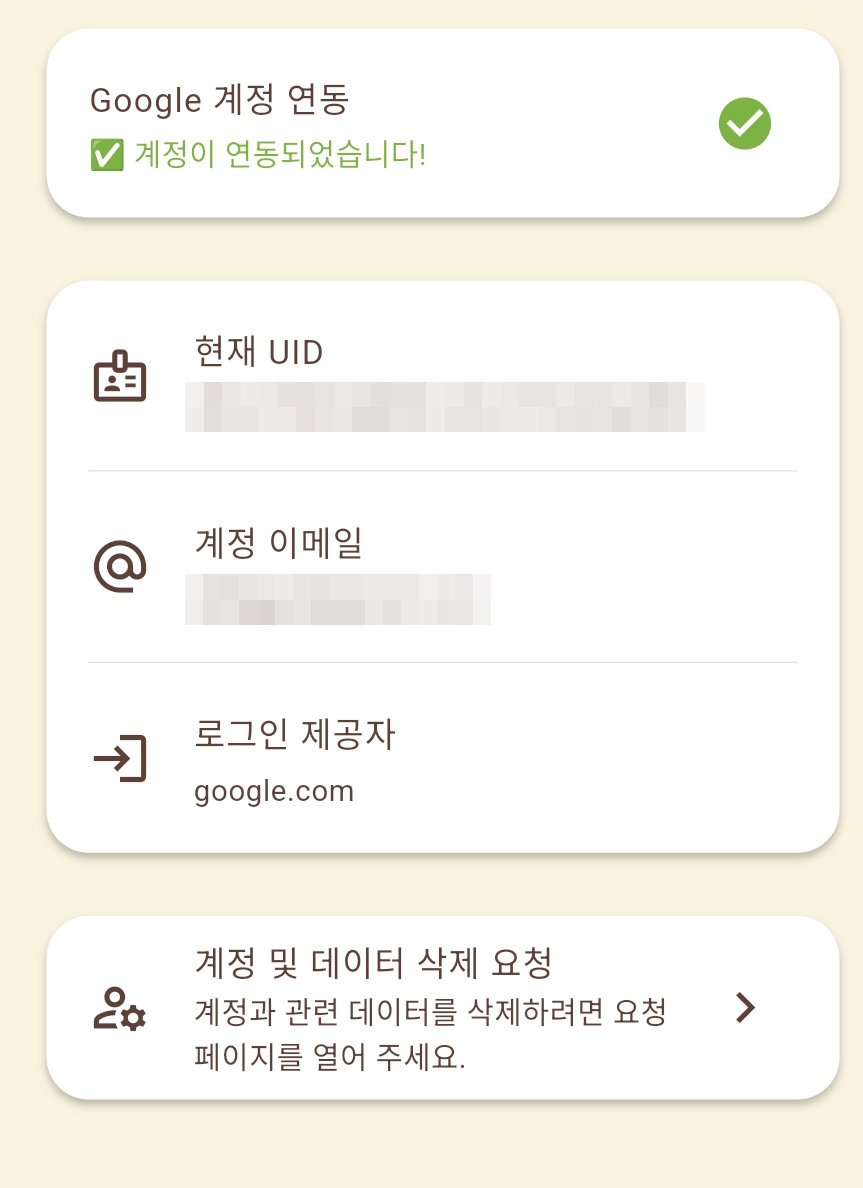
Please include the Google account email linked to the app or the app UID/user ID shown in the app settings, if available.
요청 시 앱에 연동한 Google 계정 이메일 또는 앱 설정 화면의 UID/사용자 ID를 함께 적어 주세요.
Where to Find This Information
You can find the current UID and linked account email in the app under Settings > Account Linking.
앱에서 설정 > 계정 연동 화면을 열면 현재 UID와 계정 이메일을 확인할 수 있습니다.